


Shopify AI product photography can cut the work involved in a campaign refresh. It can also quietly change the thing you sell. A softened fabric texture or an invented fastening might pass a creative review, then disappoint the customer who opens the parcel. With Shopify adding transparent-background image generation to Sidekick and Etsy tightening its rules around authentic listing photos, merchants need a clearer boundary. Here’s how we’d use generated imagery without letting attractive pictures make promises the product can’t keep.
Why Shopify AI product photography needs an editorial policy
Retail Dive reports that Etsy now requires at least one authentic, non-AI-generated image in most seller listings. That is an Etsy policy, not a Shopify requirement. But it gives Shopify merchants a useful question to ask: which image proves what the customer will receive?
Our recommendation is stricter than simply keeping an authentic photograph somewhere in the gallery. Use authentic photography wherever shoppers need evidence about the product. A real image buried beneath generated lifestyle scenes does little to correct a misleading first impression.
Meanwhile, Shopify’s latest Sidekick update lets merchants generate images with transparent backgrounds. Shopify describes illustrations, icons and other graphics as uses for the feature. Merchants can request a transparent background directly in their prompt.
That distinction matters. Generating a decorative leaf is a different job from photographing a linen shirt. The leaf can be an illustration. The shirt must still be the shirt.
Shopify’s Canvas announcement also describes a design surface where merchants build with Sidekick. As AI becomes part of store design, producing new creative gets easier. Our view is that approval discipline needs to catch up. The person who can publish an attractive layout shouldn’t have to guess whether its product imagery is accurate.
Separate product evidence from campaign decoration
Product evidence is imagery a shopper uses to judge what they are buying. It includes close-ups of construction, views of included components and photographs that explain scale. Campaign decoration creates a mood or supports a message without claiming to document the item.
This is the distinction we’d put into a creative brief:
- Product evidence: Start with an authentic photograph of the correct product and variant. Preserve the details a customer might use to make a purchase decision.
- Campaign decoration: Generated illustrations or backgrounds can be useful, provided they don’t imply unsupported product characteristics.
- Mixed images: Treat a real product placed in a generated setting as a composite that requires product review, not as an untouched photograph.
- Demonstrations: Use authentic imagery when the scene claims to show fit, capacity or physical performance.
A bag photographed beside a chair gives the shopper a size cue. If AI changes the chair’s proportions, that cue can become misleading even when the bag itself looks unchanged. Review the relationship between objects, not just the product cutout.
Where Sidekick helps, and where we’d skip it
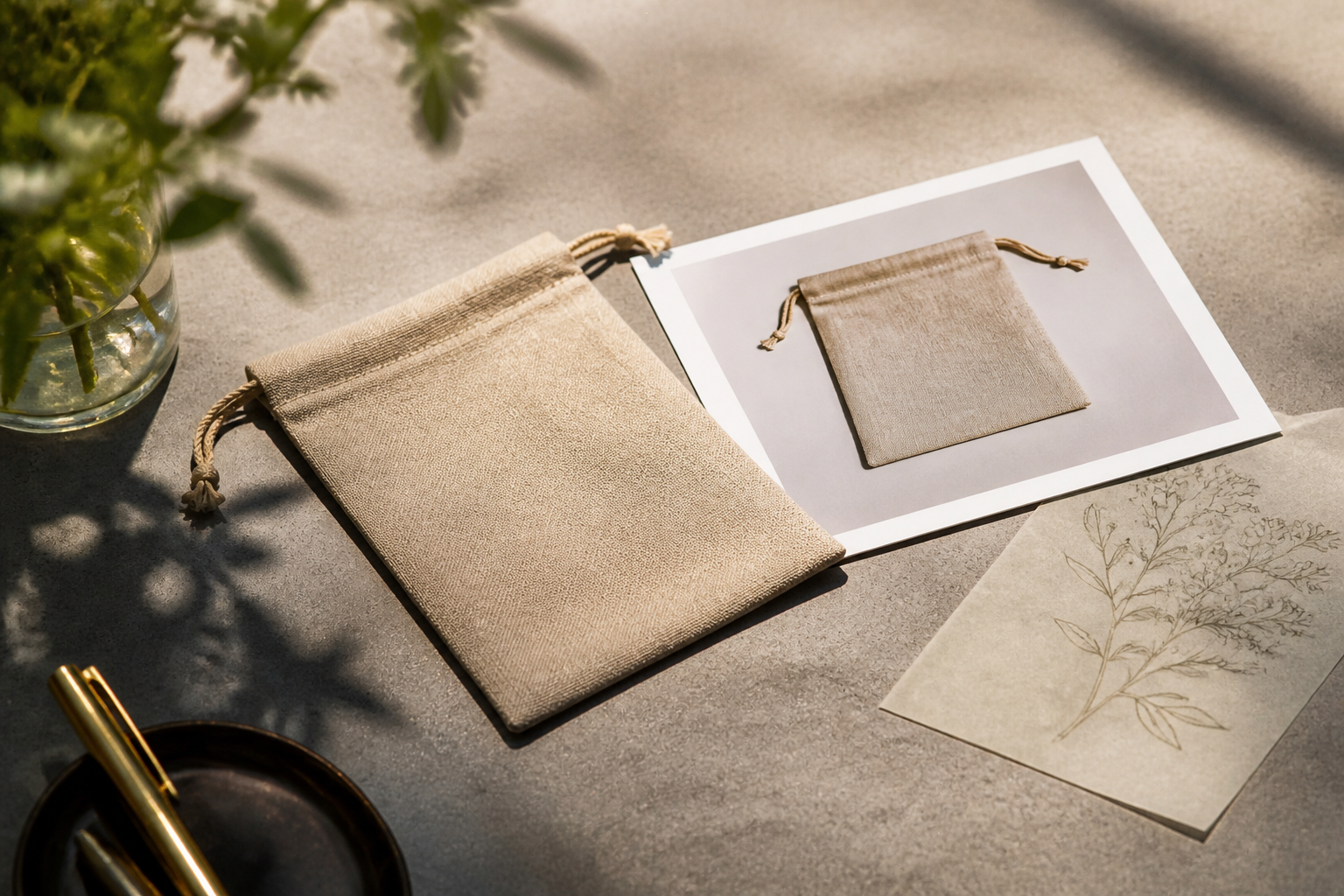
Sidekick’s transparent-background generation is worth trying for supporting artwork. A seasonal illustration can sit beside a genuine product photograph without requiring a solid rectangular background. That gives a designer more flexibility across banners and email layouts.
A useful prompt might be: “Create a loose charcoal botanical illustration with a transparent background for the corner of a warm-grey promotional banner. No product, packaging or text.” The brief keeps generation away from the merchandise itself.
We’d skip this feature for product packshots that need exact packaging or printed labels. The announcement concerns image generation; it does not establish that Sidekick can reproduce an existing SKU faithfully. Nor does it describe transparent-background generation as a product-background removal tool. Don’t treat those capabilities as interchangeable.
Before adding a generated graphic to a theme, check its edges against both light and dark backgrounds. Inspect the exported file and its size. Then preview it on a phone. A decorative asset that looks good in isolation can obscure a product or push useful information farther down the page.
You don’t need a new photography app to experiment with campaign illustration. You do need a workflow that keeps generated artwork separate from approved product media.
A Shopify AI product photography workflow worth trusting
Start with approved source photographs
Choose source images that match the product currently in stock. Record the variant and preserve the original file outside the editing workflow. If packaging has changed, an accurate edit of an old photograph still produces an inaccurate listing.
Write down what must not change before anyone opens an AI editor. For apparel, that might include seam placement and fabric transparency. For furniture, it could be leg geometry and surface finish. Let the product specialist define the checks rather than asking a designer to infer them.
Give each edit a narrow purpose
“Make this look premium” is a poor production brief. It invites the tool to change materials or remove details that happen to look untidy.
Instead, specify the permitted change: extend the background for a wider crop, for example. State that the product must remain unchanged. That instruction is a constraint, not a guarantee. Someone still needs to inspect the result.
If you need a different angle that reveals previously unseen construction, arrange an authentic photograph. An image model can invent the hidden side; it cannot verify it from the original view.
Review against the physical item
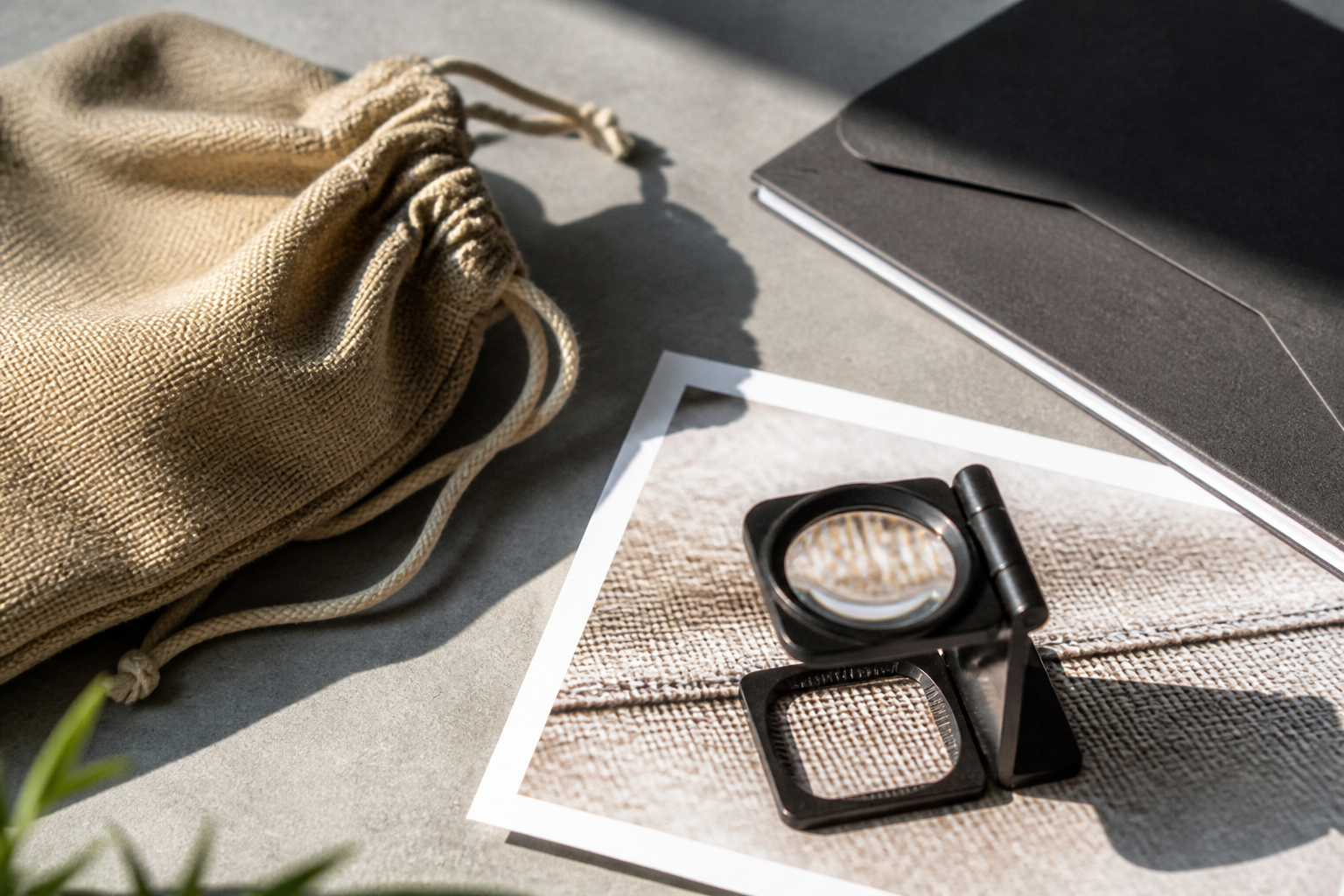
Compare the output with the original at full resolution, then check it against the merchandise where practical. Look closely at edges and repeated details. Fasteners can disappear. Woven surfaces can become smoother than the material a customer will touch.
Ask a separate question after checking accuracy: what does the setting imply? A generated bathroom scene may suggest that an item tolerates moisture. A staged outdoor scene may imply weather resistance. Remove the implication unless the product supports it.
Approve for a specific placement
An image approved for an editorial banner is not automatically approved for a product gallery. Record its intended use with the asset, alongside the original source and reviewer. Keep rejected outputs out of the shared folder used for publishing.
On the storefront, check that the right image appears for the selected variant. Also inspect any collection cards or connected campaigns that reuse the asset. A careful product-page decision can be undone when a different channel pulls an unapproved image.
Bulk production needs a stop rule
A Shopify Community post describes replacing models and backgrounds across 50 product photos in an afternoon. That is a merchant’s account, not a controlled benchmark or proof that the results were accurate. Its practical value is the workflow question it raises: how do you review images when production becomes much faster?
We would test a representative selection before processing a full collection. Include the difficult products, not just the cleanest packshot. Reflective surfaces and fine patterns deserve particular attention. For clothing, model replacement also needs scrutiny of drape and fit; a convincing face says nothing about whether the garment still hangs correctly.
Define a stop rule before the batch starts. If the process alters a product-defining detail, pause that type of edit and investigate. Don’t publish the rest simply because they share the same prompt.
Count review and correction time when judging the economics. Cheap generation followed by repeated manual repair may be worse than a straightforward reshoot. Retouching remains a sensible choice when you need a controlled change to an authentic photograph.
Measure whether customers understand the product better
Start any trial with a clear hypothesis. Perhaps a wider lifestyle crop will make a collection page easier to understand, while the product gallery remains authentic. Change that placement without also rewriting the offer or changing the price.
Look beyond clicks. Review product-related customer questions and return reasons after publication. A campaign can attract more attention while leaving buyers with the wrong impression of colour or size.
Keep an easy path back to the approved original. If customer service starts hearing “it looked different in the picture,” treat that as a reason to inspect the asset, not merely as subjective feedback.
We’d also describe material AI alteration plainly where it could affect interpretation. Disclosure does not repair an inaccurate product image. It helps explain a legitimate creative treatment; it is not permission to misrepresent the goods.
Takeaways
- Use authentic photographs for details shoppers rely on to judge the product.
- Try Sidekick’s transparent-background generation for supporting graphics, not as proof of SKU accuracy.
- Approve edited assets for specific placements and preserve their original files.
- Judge the workflow by product accuracy and total review effort, then monitor customer feedback after publication.
Sources
- How to Swap Models on 50 Product Photos in One Afternoon Using AI
- Generate images with transparent backgrounds in Sidekick
- Etsy updates AI use policies to emphasize craftsmanship
- Introducing Canvas: Opening the aperture on online store design
Want this handled for you?
We're a Shopify Premier Partner and this is the work we do every day: performance, CRO, and store builds that pay for themselves. Book a free store review and we'll show you the three fixes we'd ship first.
Frequently asked questions
Can Shopify Sidekick generate images with transparent backgrounds?
Yes. Shopify’s update says you can ask Sidekick to generate illustrations, icons and other graphics with transparent backgrounds. Request a transparent background in your prompt.
Does Shopify require a non-AI product photo in every listing?
The supplied Shopify announcements do not establish that requirement. Retail Dive reports an authentic-image requirement for most Etsy listings, which should not be confused with a Shopify policy.
Should AI-generated images replace real product photography?
Our recommendation is to retain authentic photography wherever shoppers judge product details or performance. Generated campaign artwork can support those photographs, but it should not invent product characteristics.
How do you check AI-edited product photos before publishing?
Compare the edited image with the approved original and, where practical, the physical item. Check product-defining details and any claims implied by the setting. Approve the asset for a specific placement and verify that it matches the selected variant.


