


A shopper who can’t see the back of a bag may leave rather than ask where the zip sits. Shopify 360 product views can answer that question, but the wrong implementation adds weight to your product page without helping anyone buy. Before you commission a shoot or install a viewer, decide what customers need to inspect and where that experience will live. Here’s how we’d choose between a photographic spin, rotating video and a 3D model, then test whether the extra production work pays for itself.
Why Shopify 360 product views deserve a closer look
An October 5 Shopify Community discussion about 360-degree product media raises a useful implementation issue: a photographic spin supplied by an app isn’t the same thing as a native Shopify product-media item. The post’s author builds a spin app, so this is a practitioner’s account with a commercial interest, not an official platform announcement.
The distinction matters because merchants often approve a viewer demo before anyone checks the actual theme. They expect the spin to appear beside the product photographs. The delivered experience may instead sit in a separate block farther down the page.
Shopify’s own conversion rate optimization guide identifies product photography as a priority when shoppers can’t physically interact with an item. Our reading is straightforward: spend on media that resolves uncertainty. Interactivity earns its place only when it explains something better than a photograph.
That makes this a product-information decision first. The app comes later.
What counts as a Shopify 360 product view?
A photographic 360 spin is a sequence of photographs that a viewer lets shoppers move through. It can reveal the sides and back of a product, but a single horizontal sequence won’t show every possible angle. Customers can’t tilt it upwards unless you capture and support those additional views.
A 3D model is different. It describes the object’s geometry and surfaces, which a compatible viewer renders interactively. A rotating video is simpler: customers watch a recorded rotation rather than choose the viewpoint themselves.
Photographic spin: useful for inspecting a real object
A spin suits products whose exterior details affect the purchase decision. Think of a backpack with pockets on several sides or footwear with a distinctive heel construction. Photographs can preserve material details well, provided the lighting and capture stay consistent.
The cost extends beyond the viewer subscription. Each supported product needs a suitable image sequence, and changed colours or finishes may need new capture. Skip this route if your team can’t keep the sequences matched to the variants you sell.
Rotating video: a practical starting point
A rotating video lets you show the whole exterior without introducing a dedicated spin interaction. It’s a sensible pilot when your team already produces video and the shopper mainly needs to see what’s around the back.
The compromise is control. Customers must pause or scrub to inspect a detail. A short loop also won’t explain how a fastening works unless you film that action separately. We’d choose video over a spin when demonstration matters more than free inspection.
3D model: useful when spatial understanding matters
A 3D model can suit products where form and proportions need explanation, especially if you already hold usable assets. Don’t assume a manufacturing file is ready for the storefront. Ask a specialist to assess its materials and mobile performance before you budget the rollout.
For products where subtle texture drives the sale, keep detailed photographs. A model that makes textured leather look like smooth plastic can create more doubt than it removes.
Check the gallery integration before buying the app
The Community post lists Shopify’s native gallery media as images, videos, supported external video links and 3D models. It explains that an app’s draggable photographic spin generally lives outside that native media collection.
A viewer displayed inside a customised gallery is not necessarily a native Shopify media item. A developer may alter the gallery or integrate a viewer into its presentation. That is a different maintenance commitment from adding a supported media file in the admin.
We wouldn’t turn the post’s blanket statement about gallery limits into a promise about every custom theme. Instead, make the app provider demonstrate the exact placement on a copy of your theme. Ask these questions before approving the work:
- Does the viewer use a theme app block, replace the gallery, or require custom code?
- Does selecting another colour load the corresponding spin?
- What happens when a product has no spin assets?
- Will uninstalling the app leave the normal product gallery usable?
Insist on a mobile demonstration. A viewer that looks elegant on a desktop can compete with page scrolling on a phone. If dragging the product traps the shopper’s gesture, the interaction needs revision.
Start with the question your photographs leave unanswered
Before producing anything, read product-specific support questions and return reasons. Look for uncertainty about visible construction. Questions about pocket placement or the rear of a clasp are stronger candidates for a spin than questions about delivery dates.
Then check whether a single additional photograph would solve the problem. Often it will. A clear rear view costs less to produce and maintain than an interactive sequence.
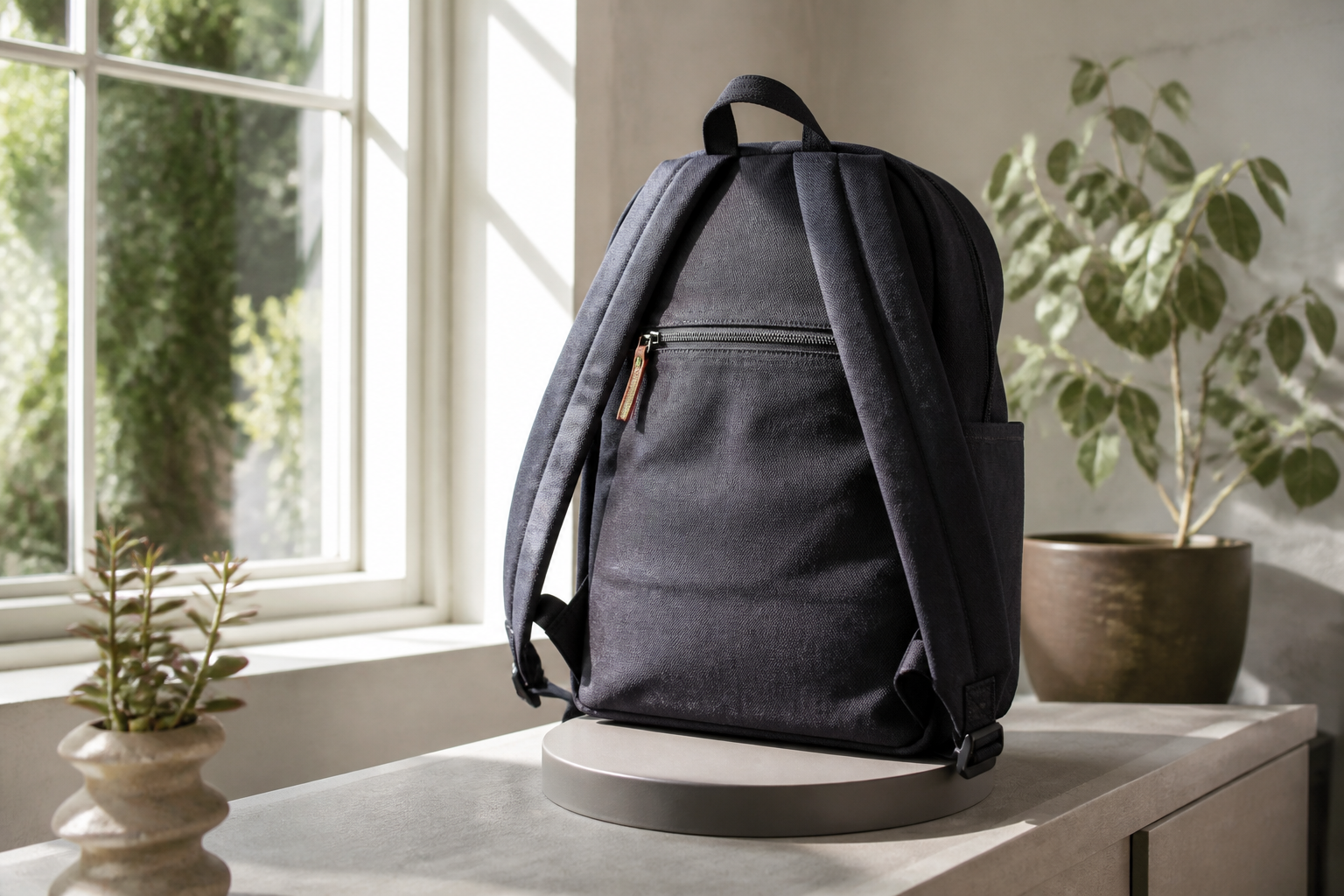
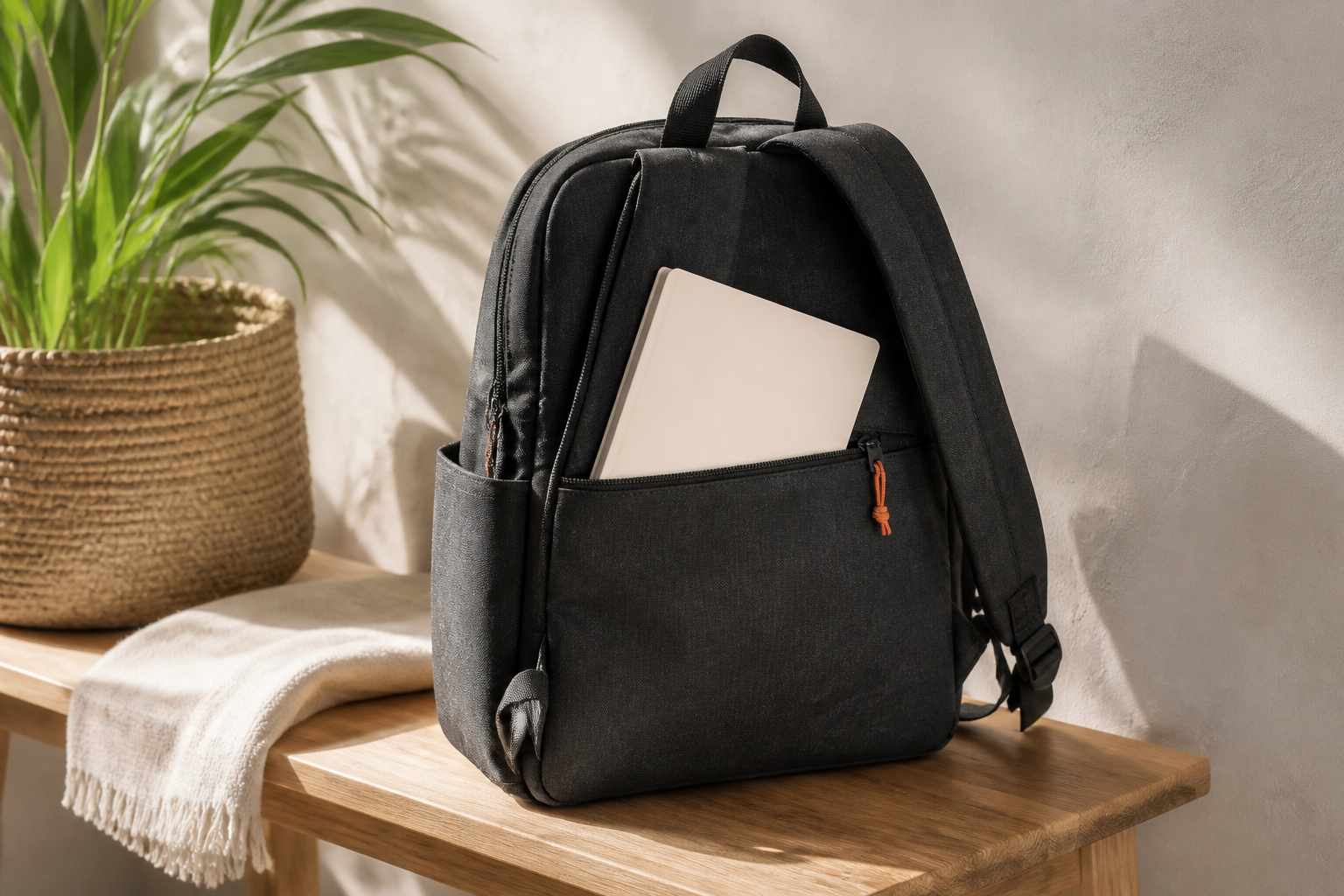
Consider a hypothetical backpack product page. Customers repeatedly ask whether it has a rear zip pocket. Add a rear photograph first. If they also need to understand how the side pockets sit relative to the straps, a spin becomes more useful. Neither asset proves that a particular laptop fits; you still need internal measurements and an honest fit explanation.
This is where we’d be quite strict with the creative brief. Write down the buying question above the shot list. If the proposed media doesn’t answer it, remove it from the scope.
Write an acceptance brief your team can test
A successful installation needs more than a viewer that rotates. Define the expected behaviour before the photographer and developer start work.
Asset accuracy
Keep framing, exposure and product position consistent through the sequence. Check that the captured sample matches the current saleable product, including hardware and accessories. Where variants differ visibly, agree which need their own assets and who owns that mapping.
Don’t quietly show a black-product spin after the shopper selects a tan variant. If only one variant has interactive media, label the limitation or hide the viewer for unsupported variants.
Loading and fallback
Keep a useful static image available before the interactive experience loads. Ask the developer to defer nonessential viewer assets until they’re needed, then test the result on a slower connection. The purchase controls should remain usable if the viewer fails.
Avoid a universal file-size target copied from another store. Measure your existing page, agree a performance budget and compare the pilot against it. Test actual phones as well as development tools.
Accessible operation
Ask how customers operate the viewer without dragging. Check keyboard controls, visible focus and understandable control labels. Retain photographs and written information that communicate the purchase-relevant details without requiring the interactive view.
For video, avoid making continuous motion the only way to inspect the item. Give customers control and test how the experience responds to reduced-motion preferences.
Measure purchase value, not just viewer engagement
Launch on a small group of products with a clear inspection problem and enough traffic to evaluate. Keep pricing and other major page changes stable where possible. If you change the offer at the same time, you won’t know what caused the result.
Record viewer use, but treat it as a diagnostic measure. Curious visitors may rotate an object without any intention of buying. Equally, shoppers who already want the product may be more likely to inspect it. Comparing viewer users with non-users alone won’t establish a conversion lift.
A controlled test is preferable when your traffic and tooling support one. Assess completed purchases alongside mobile performance. Product-specific support contacts and relevant return reasons can provide further evidence, although returns need a longer observation period.
Set the financial threshold before launch. For illustration, if capture and implementation cost €1,200 and each additional kept order contributes €40, you need 30 incremental kept orders to recover that initial cost. That’s a hypothetical calculation, not an industry benchmark. Recurring fees and future reshoots raise the threshold.
If volume is too low for a reliable conversion test, be honest about that. Use customer feedback and observed usability to decide whether the experience answers the intended question. Don’t publish a confident uplift claim from a handful of orders.
Takeaways
- Choose Shopify 360 product views for a specific inspection need, not because the demo looks impressive.
- Verify placement and variant behaviour on your actual theme before committing to an app.
- Keep static media and purchase controls usable if the interactive viewer fails.
- Judge the investment by incremental purchase value and better product understanding, rather than rotations alone.
Sources
- Adding a 360° view to Shopify product pages: what's actually possible (and what isn't)
- Conversion Rate Optimization (CRO): Get Started (2026) - Shopify
Want this handled for you?
We're a Shopify Premier agency and this is the work we do every day: performance, CRO, and store builds that pay for themselves. Book a free store review and we'll show you the three fixes we'd ship first.
Frequently asked questions
Can I add a 360 product spin to Shopify’s product gallery?
A photographic spin supplied by an app is different from a native Shopify media item. Its placement depends on the viewer and theme integration. Ask the provider to demonstrate it on your theme, and establish whether it needs a separate block or custom gallery work.
What is the difference between a 360 product spin and a 3D model?
A photographic spin moves through a sequence of captured images. A 3D model contains geometry and surface information that a compatible viewer renders interactively. A single horizontal photographic sequence cannot provide viewpoints that were never photographed.
Is rotating product video better than a 360 spin?
Video is a practical choice when shoppers need to watch a rotation or see a feature demonstrated. A spin gives shoppers more direct control over exterior inspection. Choose the format that best answers the product question, rather than assuming interactivity will sell more.
Will a 360 product viewer slow down my Shopify store?
It can add image downloads and JavaScript. Keep a static fallback, defer nonessential assets where practical and compare mobile performance before and after installation. Verify that purchase controls remain usable if the viewer fails.
How do I measure whether 360 product views increase sales?
Use a controlled test where traffic and tooling allow it. Assess completed purchases and contribution after production and app costs. Viewer engagement alone does not prove a sales lift because shoppers who use the viewer may already have greater purchase intent.

